CarePulse connects to your Omron Bluetooth monitor, automatically syncs readings, and helps you track trends over time. Private, simple, and built for macOS.
App screenshot
Simple, private, and designed for macOS.
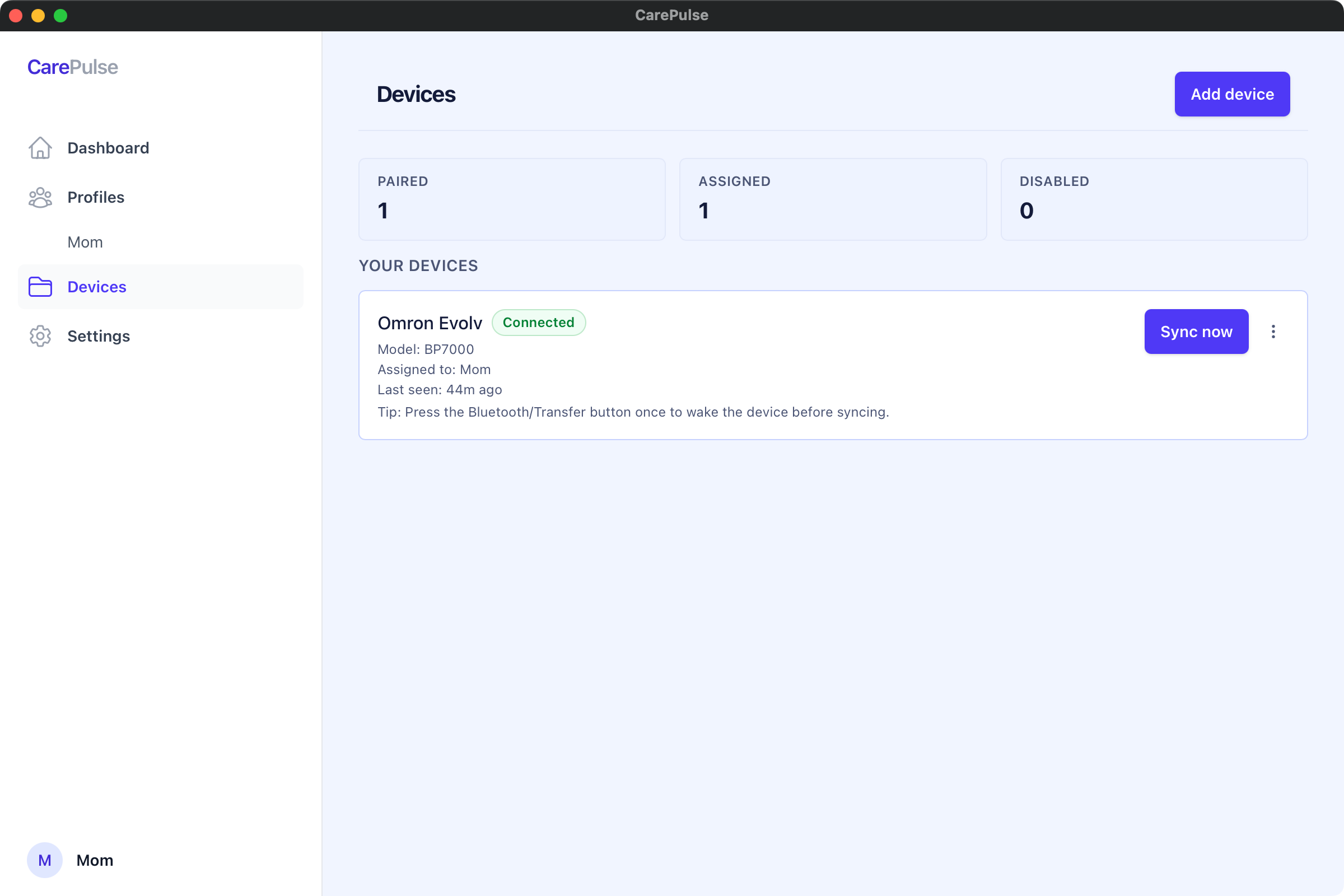
Auto-detects your Omron Bluetooth monitor and syncs readings wirelessly. Just press the button on your cuff.
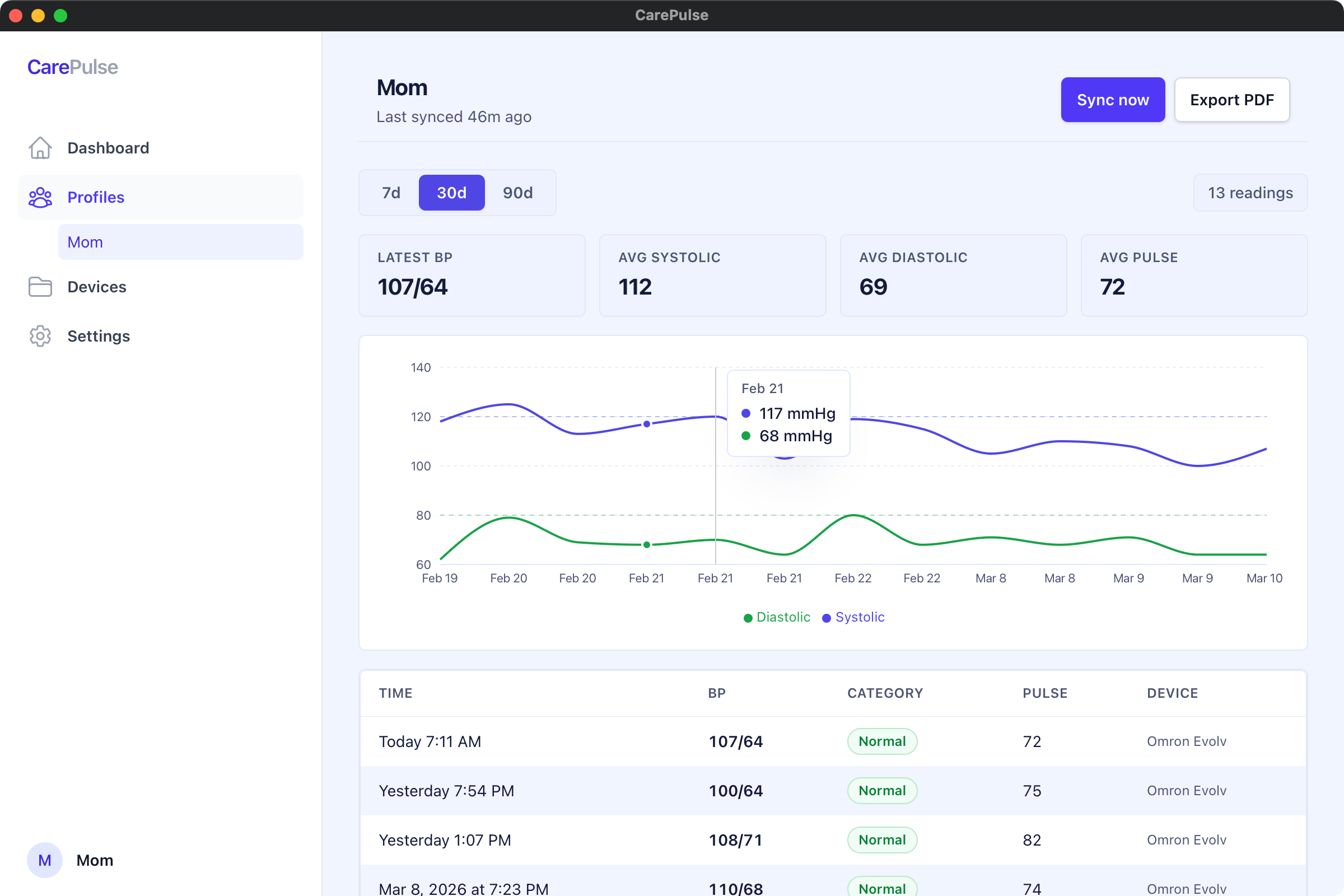
Visualize your systolic and diastolic readings over time with clear, easy-to-read charts and history.
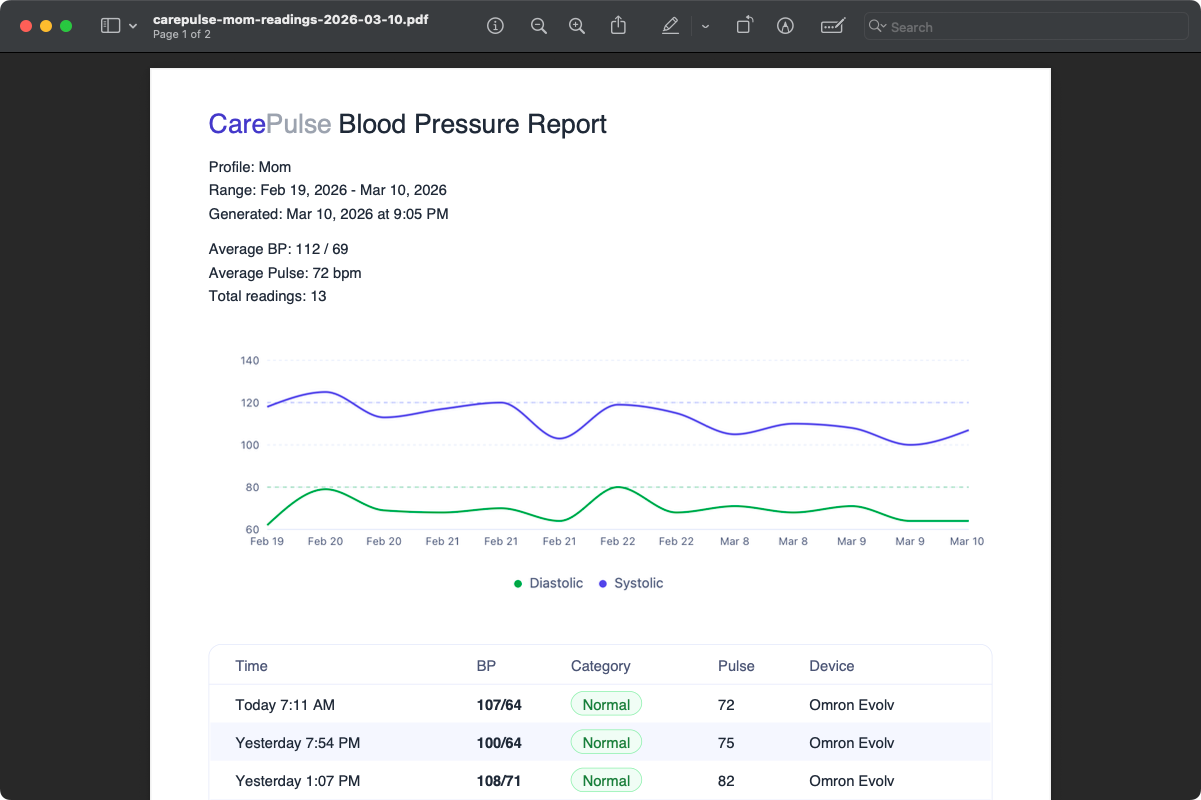
Export your readings directly to Apple Health so everything stays in one place across your Apple devices.
Your health data stays on your Mac. No cloud accounts, no data collection, no tracking. Period.
Pay once, use forever. No subscriptions, no recurring fees. Free updates included.
Install, pair your Omron monitor, and start syncing. No configuration needed — it just works.
A clean, native macOS experience for managing your blood pressure data.
App screenshot — trends view
One price. No subscriptions. No hidden fees.
One-time purchase
CarePulse works with Omron Bluetooth-enabled blood pressure monitors, including the Evolv, 7 Series, and 10 Series models. Any Omron monitor that supports Bluetooth transfer should work.
Take a reading with your Omron monitor, then open CarePulse on your Mac. The app auto-detects your monitor via Bluetooth and transfers all new readings automatically. No cables or manual entry needed.
CarePulse requires macOS 13 (Ventura) or later. Your Mac also needs Bluetooth Low Energy support, which is available on all Macs from 2012 and later.
We offer a 30-day money-back guarantee, no questions asked. If CarePulse doesn't work for you, contact us and we'll issue a full refund.